
Scan what you have
The first step in my process was to scan the first year studio. The scan was taken right at the end of term so the place is in a bit of a mess but you get the basic ides from the image below.
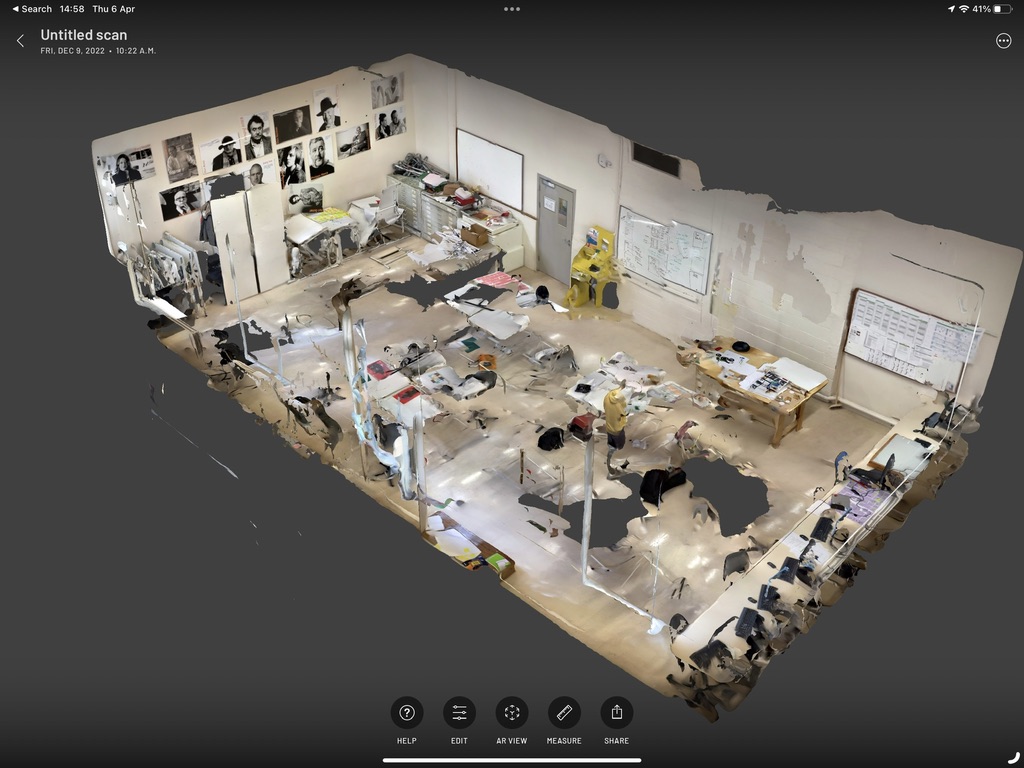
This scan was done quickly with the iPad Pro using the scaniverse app
I have uploaded a quick video here on Youtube
Tidy up (I wish they had)
I then imported the mesh into blender (I think FBX or OBJ format) and did a little bit of tidy up here before modelling over the top.
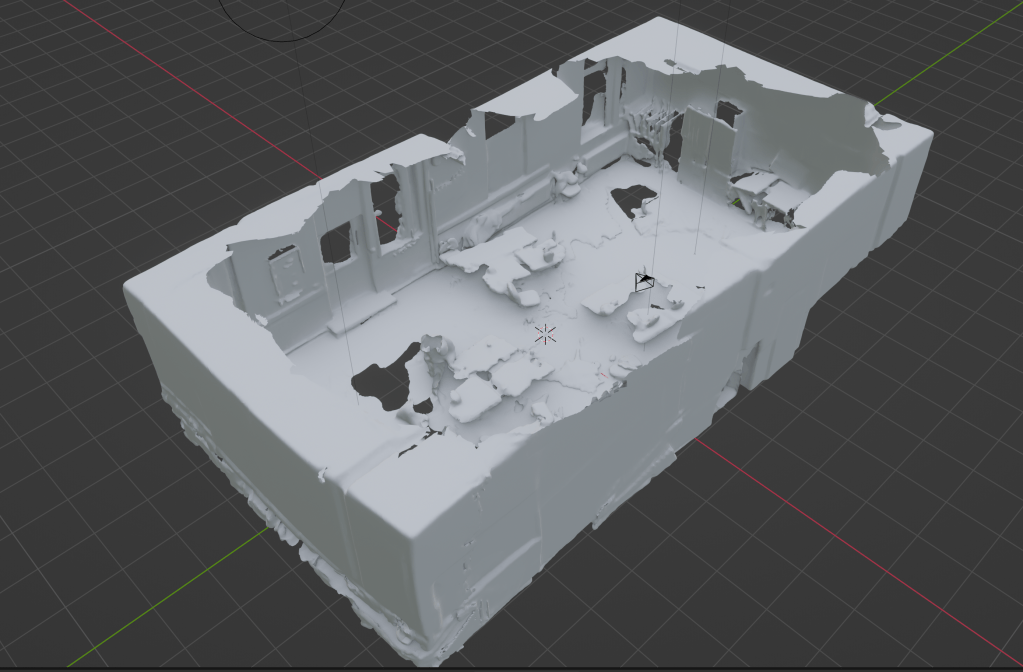
This made it very easy to get scale and position of everything in the room. I really recommend this for fast room set-up. Here it is with the newly modelled geometry overlaid on top of the original scanned mesh.
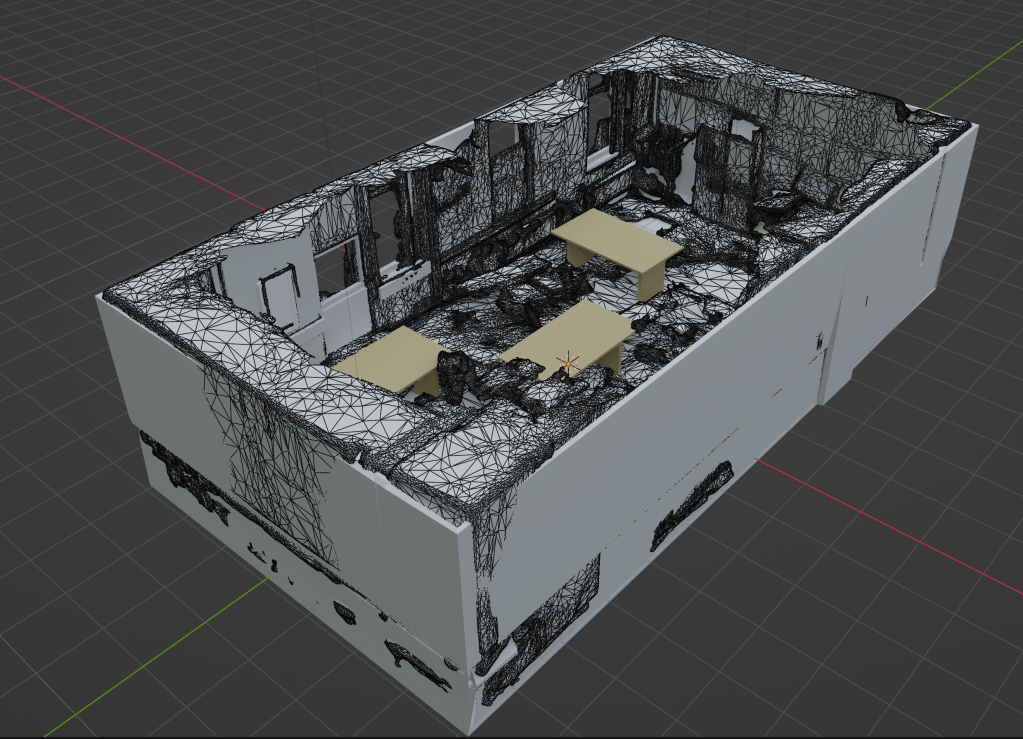
The result is a low poly representation of the studio which I could then export as an OBJ file. It was important to keep the mesh size down as the current version of the virtual reality software I’m using is limited in terms of the upload size.
Here is a video of a quick fly over of the low poly studio.
Bring it into ShapesXR
I then brought the model into ShapesXR and added some props and some viewing points. Still very much a work in progress but it holds potential for virtually exhibiting some designs. I’m currently limited by file size on the upload and the number of spaces but I’m trying to upgrade to the studio version.
Meanwhile I can use the scanned and low poly assets directly from blender or start building more sophisticated environments in Unreal or Unity or possibly Godot.
I only give a quick glimpse here to avoid spoilers (and I need to generate more assets).
 Brief Moments of Clarity
Leave a comment